
Blank Gantt Chart Template Weekly
Blank Gantt Chart Template: Your Weekly Project Roadmap
A Gantt chart is a visual project management tool that provides a timeline-based overview of tasks, their durations, and their dependencies. While complex projects often require detailed daily or even hourly Gantt charts, a weekly Gantt chart template provides a simplified, higher-level perspective, perfect for smaller projects, early-stage planning, or tracking progress at a managerial level. A blank weekly Gantt chart template empowers you to customize your project schedule from scratch, tailoring it perfectly to your specific needs.
Why Use a Weekly Gantt Chart Template?
There are several compelling reasons to opt for a weekly Gantt chart, especially when starting a new project:
- Simplicity and Clarity: Weekly views offer a less granular perspective, making the chart easier to read and understand. This is particularly beneficial for stakeholders who need a general overview rather than a detailed breakdown of daily tasks.
- High-Level Planning: When initiating a project, you might not have all the details ironed out. A weekly template allows you to focus on major milestones and deliverables, outlining the overall project timeline without getting bogged down in minor details.
- Progress Tracking at a Glance: Weekly charts provide a quick and easy way to monitor project progress. You can readily identify if tasks are on schedule, ahead, or behind, allowing you to make timely adjustments.
- Effective Communication: A well-designed weekly Gantt chart serves as a powerful communication tool. It facilitates clear communication of project timelines, responsibilities, and dependencies to team members, stakeholders, and clients.
- Resource Allocation: While not as precise as daily charts, weekly Gantt charts can still aid in resource allocation. You can identify which weeks require the most resources and plan accordingly.
- Flexibility: Starting with a blank template offers unparalleled flexibility. You can define your own task categories, color-code them to suit your preferences, and easily adjust the timeline as needed.
Components of a Blank Weekly Gantt Chart Template
A typical blank weekly Gantt chart template includes the following key elements:
- Task List: This is the list of all the tasks and subtasks required to complete the project. Each task should be clearly defined and assigned to a specific individual or team.
- Start and End Dates: These define the beginning and completion dates for each task, spanning across multiple weeks.
- Duration: The duration represents the estimated time required to complete each task, expressed in weeks.
- Dependencies: These indicate the relationships between tasks. A task might be dependent on the completion of another task before it can begin.
- Timeline: This is the horizontal axis of the chart, representing the project timeline in weekly increments.
- Bars: Horizontal bars represent the duration of each task on the timeline. The length and position of the bar indicate the start and end dates.
- Milestones: Significant achievements or key deliverables in the project. They are typically represented by diamonds or other distinct markers on the timeline.
- Resources: You can optionally include a column to track the resources (e.g., people, equipment, budget) allocated to each task.
- Progress Tracking: A mechanism to visually represent the percentage of completion for each task. This could be a colored bar within the task bar or a separate progress column.
Creating Your Own Blank Weekly Gantt Chart
You can create a blank weekly Gantt chart using various tools:
- Spreadsheet Software (Excel, Google Sheets): These tools offer basic charting capabilities and are readily accessible. You can create a table with columns for tasks, start dates, end dates, and durations, and then use the charting functions to generate the Gantt chart. Numerous online tutorials can guide you through this process.
- Project Management Software (Microsoft Project, Asana, Trello, Monday.com): These platforms offer more advanced features and collaboration capabilities. Most project management software includes built-in Gantt chart functionality or allows you to integrate Gantt chart apps. While more powerful, these tools might have a steeper learning curve and involve subscription costs.
- Dedicated Gantt Chart Software: Several software solutions are specifically designed for creating and managing Gantt charts. These often offer a more streamlined experience and specialized features for project planning.
Tips for Using a Blank Weekly Gantt Chart Effectively
- Start with Clear Goals: Before you start filling out the template, define your project’s objectives and desired outcomes.
- Break Down Tasks: Divide the project into manageable tasks and subtasks. Ensure each task has a clear and specific objective.
- Estimate Durations Accurately: Take time to estimate the duration of each task realistically. Consider potential challenges and allocate sufficient time.
- Identify Dependencies: Carefully identify the dependencies between tasks. This ensures that tasks are completed in the correct order.
- Assign Responsibilities: Assign each task to a specific individual or team. This clarifies accountability and ensures that everyone knows their role.
- Regularly Update the Chart: Keep the Gantt chart up-to-date by tracking progress and making adjustments as needed. This helps you stay on schedule and identify potential delays early on.
- Communicate Regularly: Share the Gantt chart with team members and stakeholders regularly to keep them informed of progress and any changes.
- Be Flexible: Projects rarely go exactly as planned. Be prepared to adjust the Gantt chart as needed to accommodate unforeseen circumstances.
- Use Color Coding: Employ color-coding to differentiate tasks, highlight priorities, or indicate task status. This makes the chart easier to read and understand.
A blank weekly Gantt chart template is a valuable tool for project planning and management. By understanding its components and following best practices, you can create a clear and effective roadmap for your project’s success.
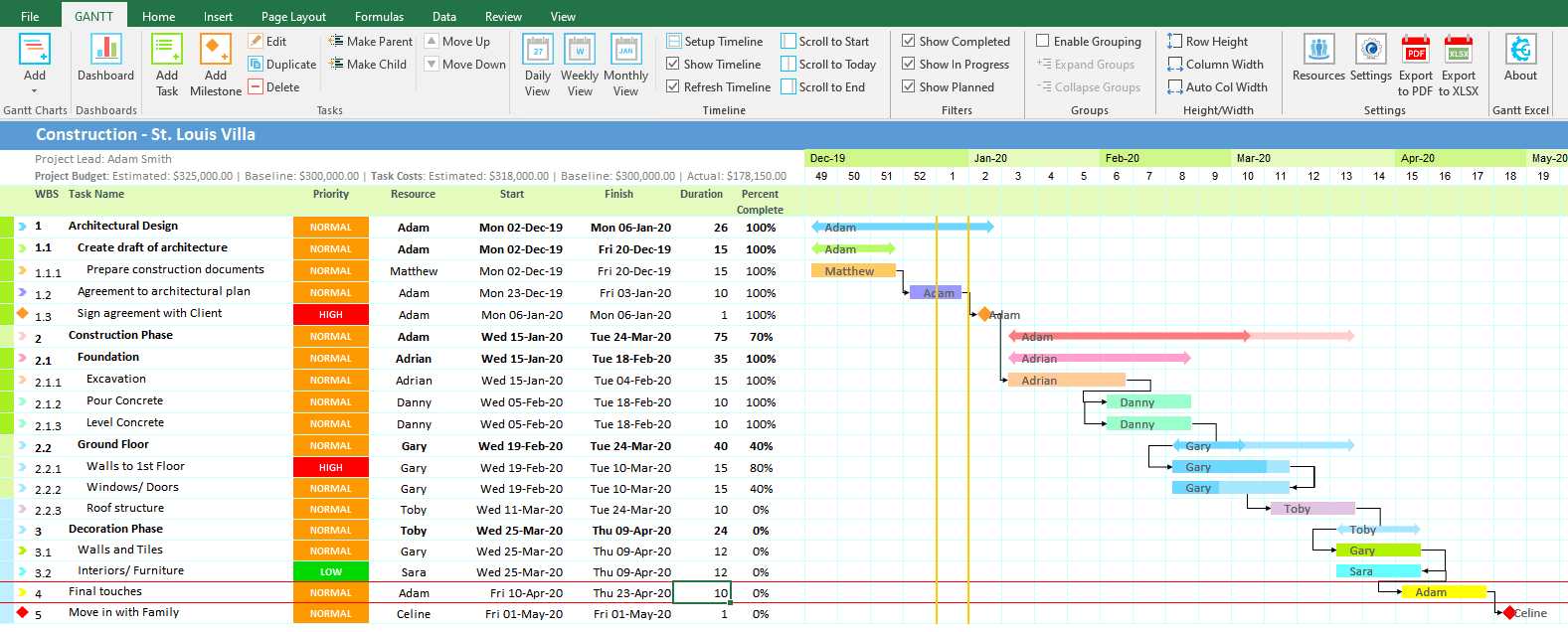 1577×636 weekly gantt chart gantt excel from www.ganttexcel.com
 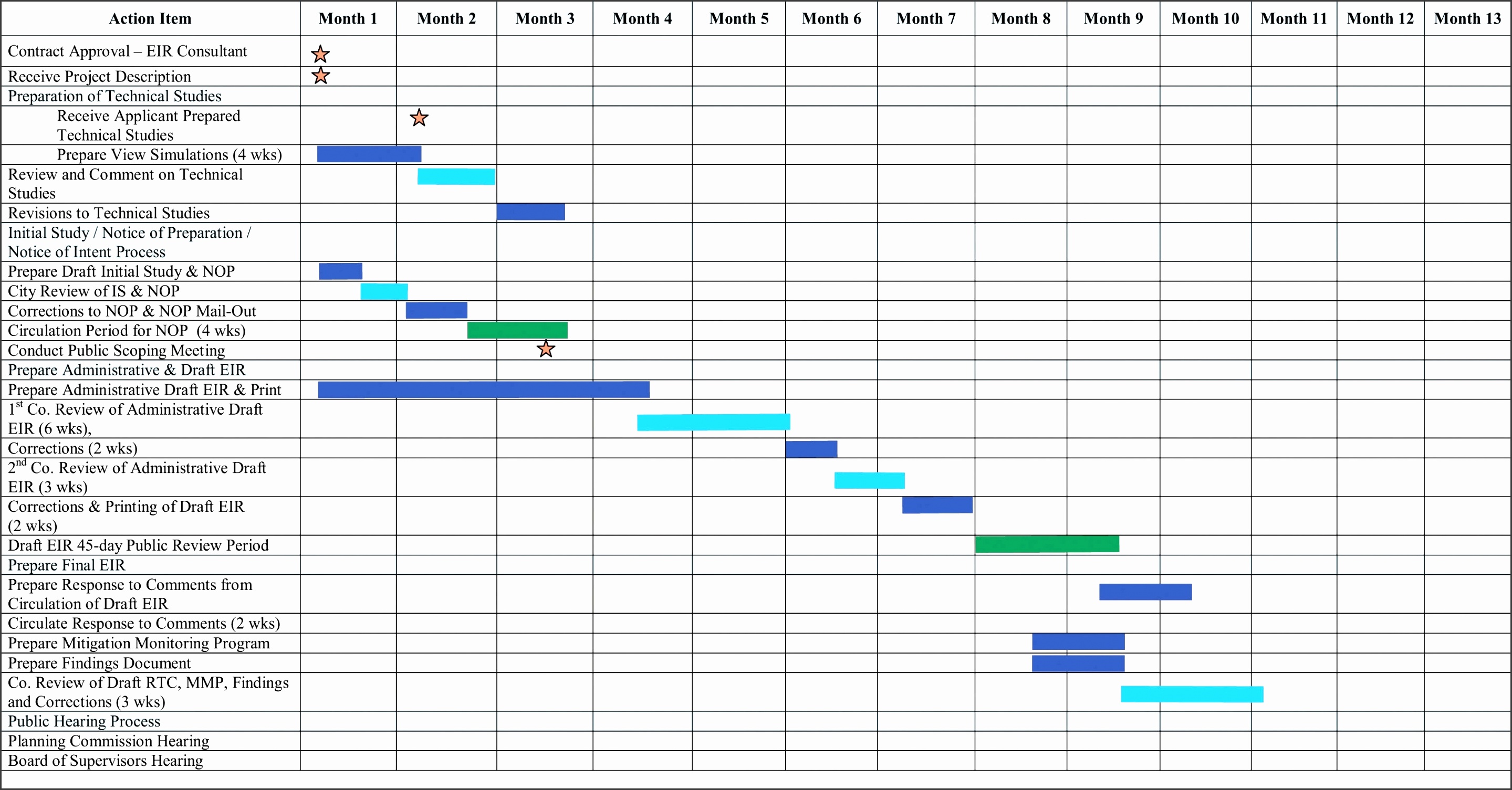 2879×1505 blank gantt chart template sampletemplatess sampletemplatess from www.sampletemplatess.com
 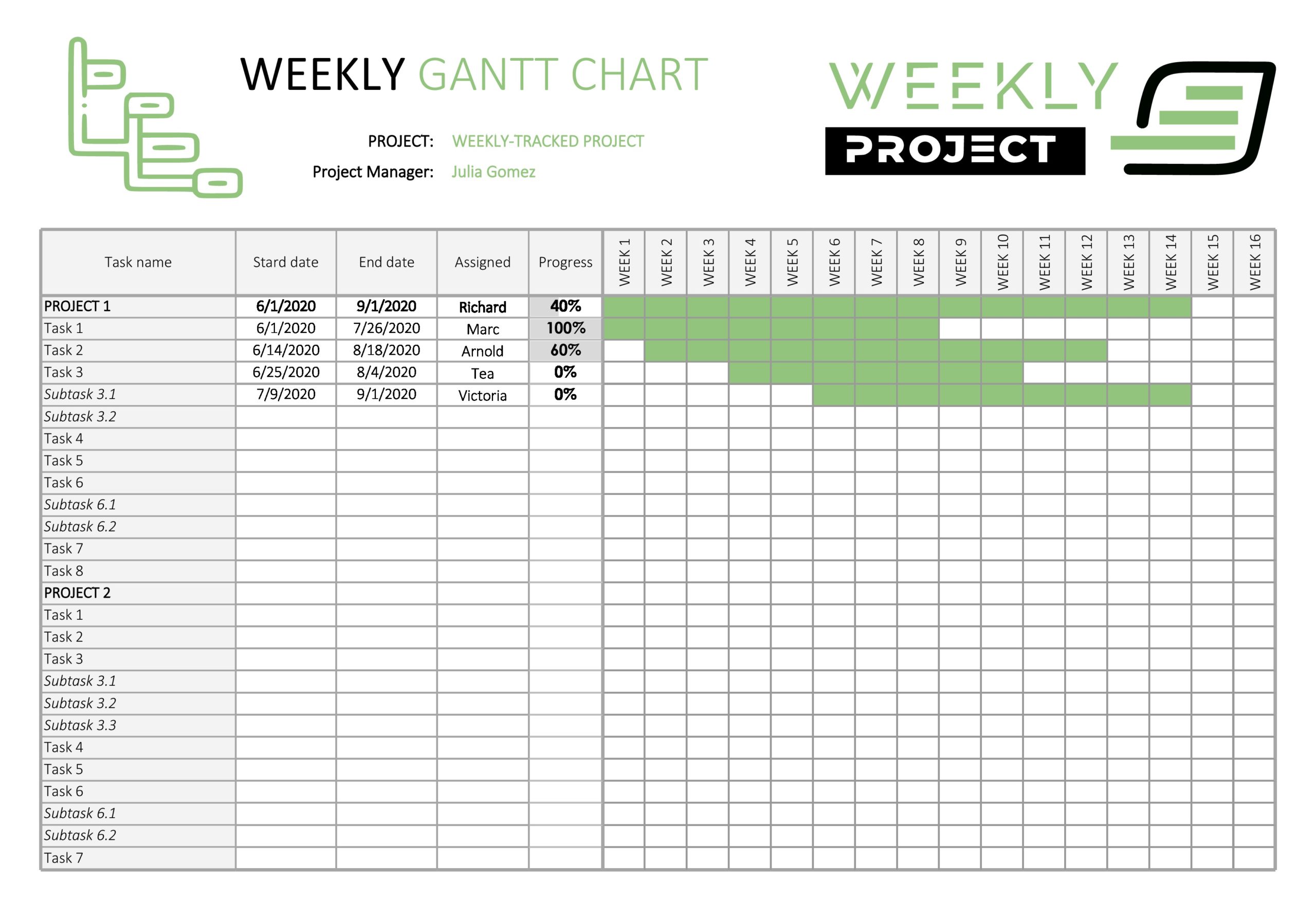 2560×1757 gantt chart templates excel templatearchive from templatearchive.com
  900×860 gantt chart templates excel from www.template.net
  1238×1602 printable gantt chart template gantt chart excel template from www.heritagechristiancollege.com
  960×720 gantt chart template gantt chart excel template from gantt-chart-excel.com
  842×595 simple gantt chart template excel from en.bizroute.net
 Thank you for visiting Blank Gantt Chart Template Weekly. There are a lot of beautiful templates out there, but it can be easy to feel like a lot of the best cost a ridiculous amount of money, require special design. And if at this time you are looking for information and ideas regarding the Blank Gantt Chart Template Weekly then, you are in the perfect place. Get this Blank Gantt Chart Template Weekly for free here. We hope this post Blank Gantt Chart Template Weekly inspired you and help you what you are looking for.
Blank Gantt Chart Template Weekly was posted in October 30, 2025 at 8:15 pm. If you wanna have it as yours, please click the Pictures and you will go to click right mouse then Save Image As and Click Save and download the Blank Gantt Chart Template Weekly Picture.. Don’t forget to share this picture with others via Facebook, Twitter, Pinterest or other social medias! we do hope you'll get inspired by SampleTemplates123... Thanks again! If you have any DMCA issues on this post, please contact us!