
Advanced Notion Template For Beginners
Advanced Notion Templates for Beginners: Level Up Your Organization
Notion is a powerful, all-in-one workspace that can replace a multitude of apps and services. While the basic functionalities are easy to grasp, creating truly advanced and personalized templates can feel daunting. However, “advanced” doesn’t have to mean complicated. This guide breaks down how beginners can leverage advanced Notion template features to build incredibly useful systems without getting overwhelmed.
Understanding the Building Blocks
Before diving into specific templates, it’s crucial to understand the core elements that make a Notion template “advanced”:
- Databases: The heart of most advanced templates. Think of them as spreadsheets on steroids. They store information in a structured way, allowing you to sort, filter, and view your data in various formats.
- Relations: Connecting different databases together. This is where the real magic happens. For example, a “Projects” database can be related to a “Tasks” database, showing which tasks belong to which project.
- Rollups: Summarizing information from related databases. Imagine calculating the total hours spent on a project by rolling up the time tracked in its related tasks.
- Formulas: Performing calculations and manipulating data within databases. Formulas allow you to automate processes and derive new insights from your information.
- Linked Databases: Displaying a database in multiple locations and with different views. This avoids redundancy and lets you tailor the information to specific contexts.
- Buttons: Automating tasks and creating custom workflows. Buttons can add entries to databases, update properties, and more, with a single click.
Beginner-Friendly Advanced Template Ideas
Here are some advanced template ideas that are achievable for beginners, broken down into manageable steps:
1. Project Management System
Instead of a simple to-do list, create a robust project management system.
- Databases: “Projects,” “Tasks,” “Meetings,” and “Resources.”
- Relations: Link “Tasks” to “Projects,” “Meetings” to “Projects,” and “Resources” to “Projects” or “Tasks.”
- Views: Use Kanban boards for visualizing task progress, calendars for scheduling meetings, and tables for detailed project overviews.
- Rollups: Calculate project completion percentage based on completed tasks. Rollup meeting outcomes to project summaries.
- Formulas: Automatically calculate project deadlines based on estimated time and start dates.
Beginner Tip: Start with just the “Projects” and “Tasks” databases and add the others gradually.
2. Habit Tracker with Analytics
Move beyond simple checkmarks and gain deeper insights into your habits.
- Databases: “Habits” and “Daily Log.”
- Relations: Link each “Daily Log” entry to its corresponding “Habits.”
- Views: Use a calendar view for your “Daily Log” and a table view for your “Habits.”
- Rollups: Calculate the number of times a habit was completed in a week or month.
- Formulas: Create a streak counter to track consecutive days of habit completion. Calculate weekly/monthly completion rates.
Beginner Tip: Focus on tracking just 2-3 habits initially and gradually add more as you get comfortable.
3. Content Calendar for Creators
Manage your content creation workflow from idea to publication.
- Databases: “Content Ideas,” “Content Schedule,” “Platform Guides.”
- Relations: Link “Content Schedule” entries to “Content Ideas” and relevant “Platform Guides.”
- Views: Use a calendar view to visualize your publishing schedule. Use a table view to track content status (e.g., Idea, Draft, Editing, Published).
- Rollups: Summarize platform-specific guidelines from “Platform Guides” within your “Content Schedule” entries.
- Formulas: Calculate time until publication based on scheduled date.
Beginner Tip: Don’t overcomplicate your publishing process. Start with the essential stages and add more as needed.
4. CRM (Customer Relationship Management)
Track your interactions with potential clients and manage your sales pipeline.
- Databases: “Contacts,” “Companies,” “Deals,” “Meetings.”
- Relations: Link “Contacts” to “Companies” and “Deals.” Link “Meetings” to “Contacts” and “Deals.”
- Views: Use a Kanban board to visualize your sales pipeline. Use a table view to track contact information.
- Rollups: Summarize the total value of deals associated with a particular contact. Summarize meeting notes for each contact.
- Formulas: Calculate deal closing probability based on stage and past performance.
Beginner Tip: Focus on the core features first – tracking contact information and deal progress. Add more advanced features like automated email integrations later.
Key Tips for Beginners
- Start Small: Don’t try to build everything at once. Focus on one aspect of the template and gradually expand it.
- Use Templates as Inspiration: Explore existing Notion templates for inspiration and adapt them to your needs.
- Embrace Trial and Error: Don’t be afraid to experiment and make mistakes. That’s how you learn!
- Leverage the Notion Community: There’s a huge online community ready to help. Join forums, watch tutorials, and ask questions.
- Break Down Complex Formulas: If a formula seems intimidating, break it down into smaller, more manageable parts.
Conclusion
Creating advanced Notion templates is an iterative process. By understanding the fundamental building blocks and following these tips, you can gradually build sophisticated systems that streamline your workflow, boost your productivity, and help you achieve your goals. Don’t be afraid to experiment, learn from your mistakes, and most importantly, have fun!
 1920×1200 starter notion template template ai basics notion marketplace from www.notion.so
  2115×2990 notion template starter pack template kulikode website issuu from issuu.com
 .webp) 1209×680 notion beginners beginner advanced from www.notionry.com
1209×680 notion beginners beginner advanced from www.notionry.com  1024×655 notion template week starter pack easlo notion from notionexperience.com
  1083×1536 full notion setup student template included sincerely from sincerelystudents.com
  1280×720 start template notion center from www.notion.so
  1920×1200 start notion start template notion from www.notion.so
  1140×760 notion beginner roadmap template notion template etsy from www.etsy.com
 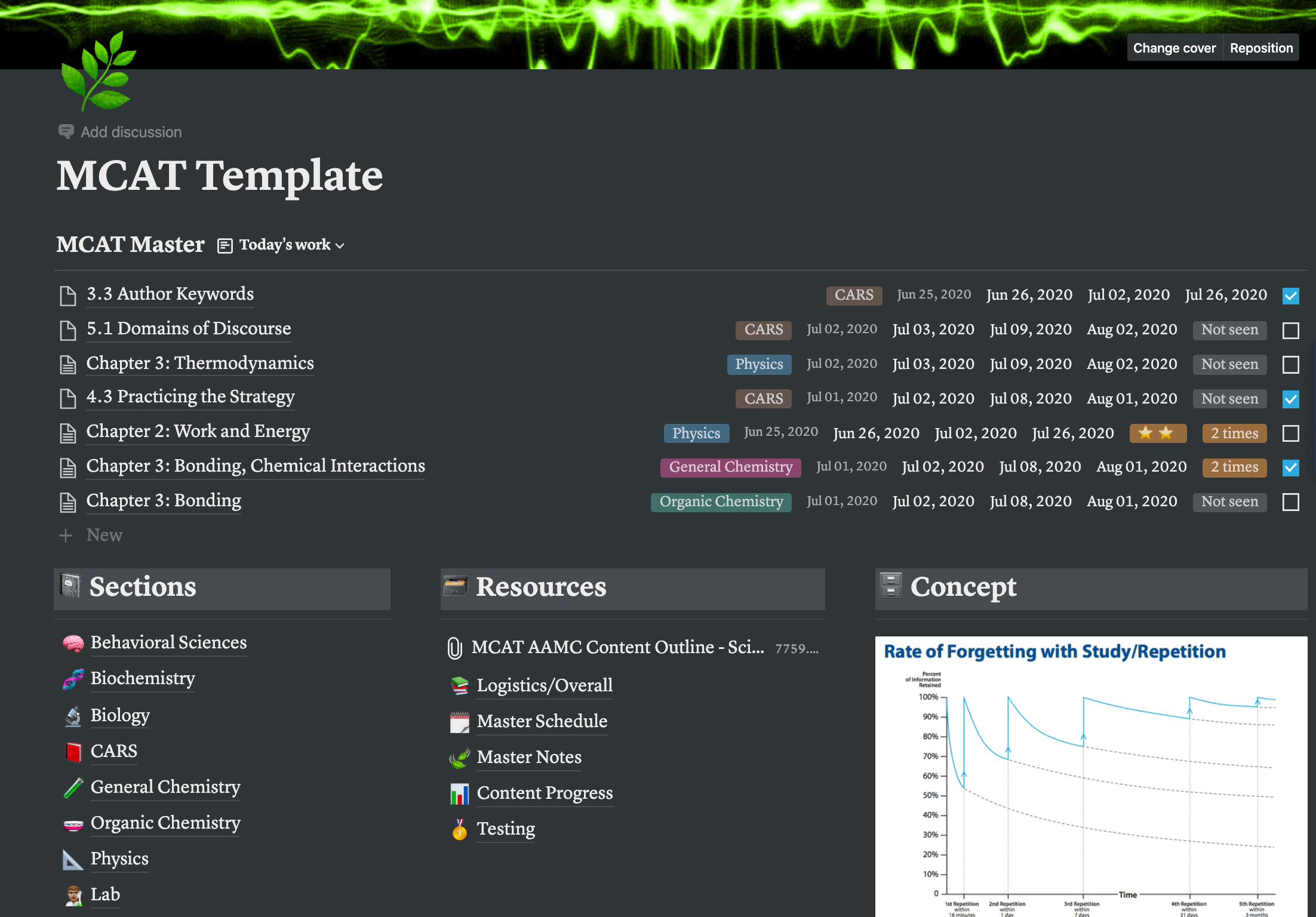 2204×1536 notion template from templates.rjuuc.edu.np
  1024×512 notion template ideas create product information latest from www.producthunt.com
  1588×1588 notion template template notion student template etsy from www.etsy.com
  1920×1200 notion tutorial templates notion from www.notion.so
  2000×1600 notion template notion template ultimate life planner from www.etsy.com
  600×315 notion template william nutt from www.notionry.com
  1024×576 notion tutorials templates notiondemy notiondemycom from notiondemy.com
  1920×1200 notion beginner manual notion template from www.notion.so
  1920×1200 beginner manual template notion marketplace from www.notion.so
  1920×1200 notion starter kit notion template from www.notion.so
  1920×1200 notion beginner bundle notion template from www.notion.so
  1920×1200 notion template gallery notion beginner bundle from www.notion.so
  3000×2250 notion template creator bundle notion template etsy from www.etsy.com
  1024×1024 create template notion master bundles from masterbundles.com
  720×720 notion template starter pack daily planner book notions from www.pinterest.com
  3000×2250 notion template dashboard notion ultimate life planner from www.etsy.com
 Thank you for visiting Advanced Notion Template For Beginners. There are a lot of beautiful templates out there, but it can be easy to feel like a lot of the best cost a ridiculous amount of money, require special design. And if at this time you are looking for information and ideas regarding the Advanced Notion Template For Beginners then, you are in the perfect place. Get this Advanced Notion Template For Beginners for free here. We hope this post Advanced Notion Template For Beginners inspired you and help you what you are looking for.
Advanced Notion Template For Beginners was posted in November 24, 2025 at 5:02 am. If you wanna have it as yours, please click the Pictures and you will go to click right mouse then Save Image As and Click Save and download the Advanced Notion Template For Beginners Picture.. Don’t forget to share this picture with others via Facebook, Twitter, Pinterest or other social medias! we do hope you'll get inspired by SampleTemplates123... Thanks again! If you have any DMCA issues on this post, please contact us!